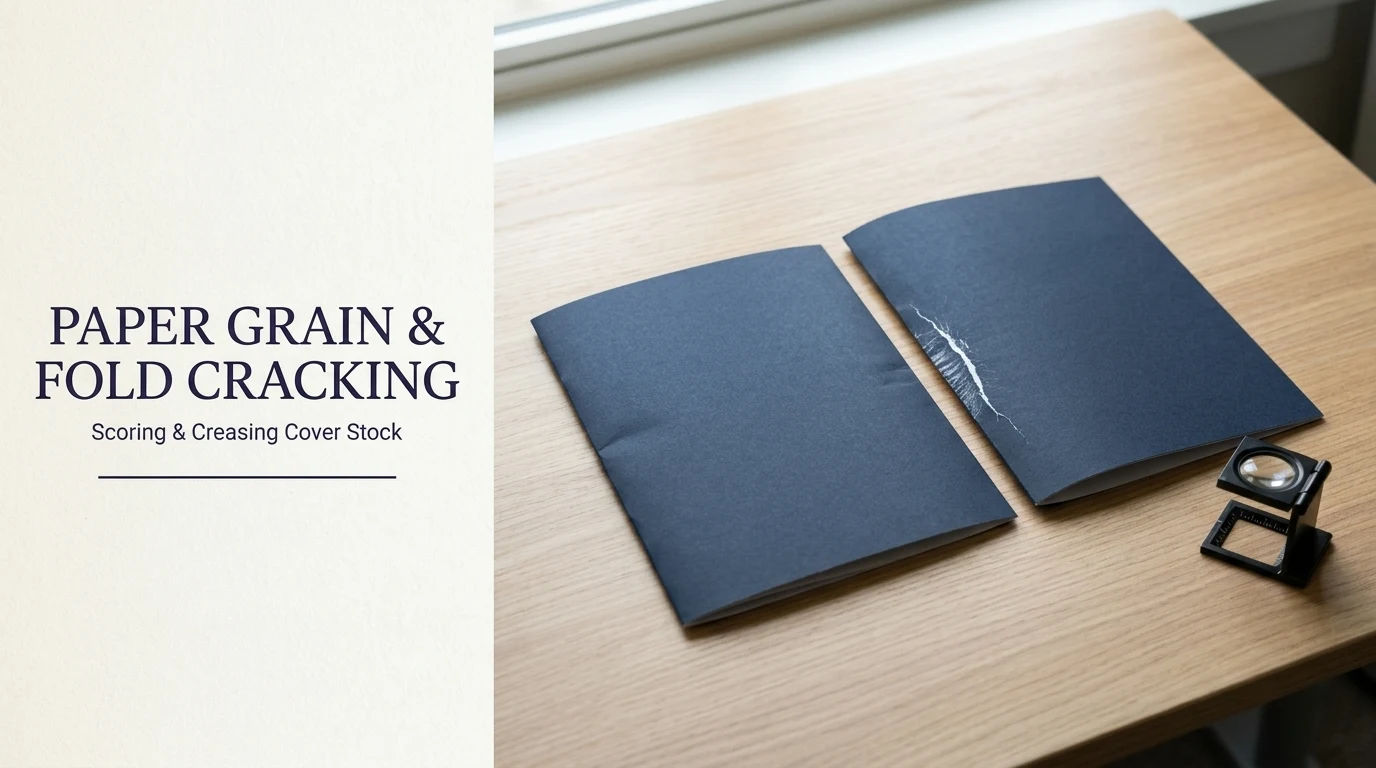
Diagnose brochure fold cracking and ink splitting by verifying paper grain direction, comparing rotary scoring vs channel creasing, and sizing matrix width.
Independent Guides to Print Design & Brand Graphics
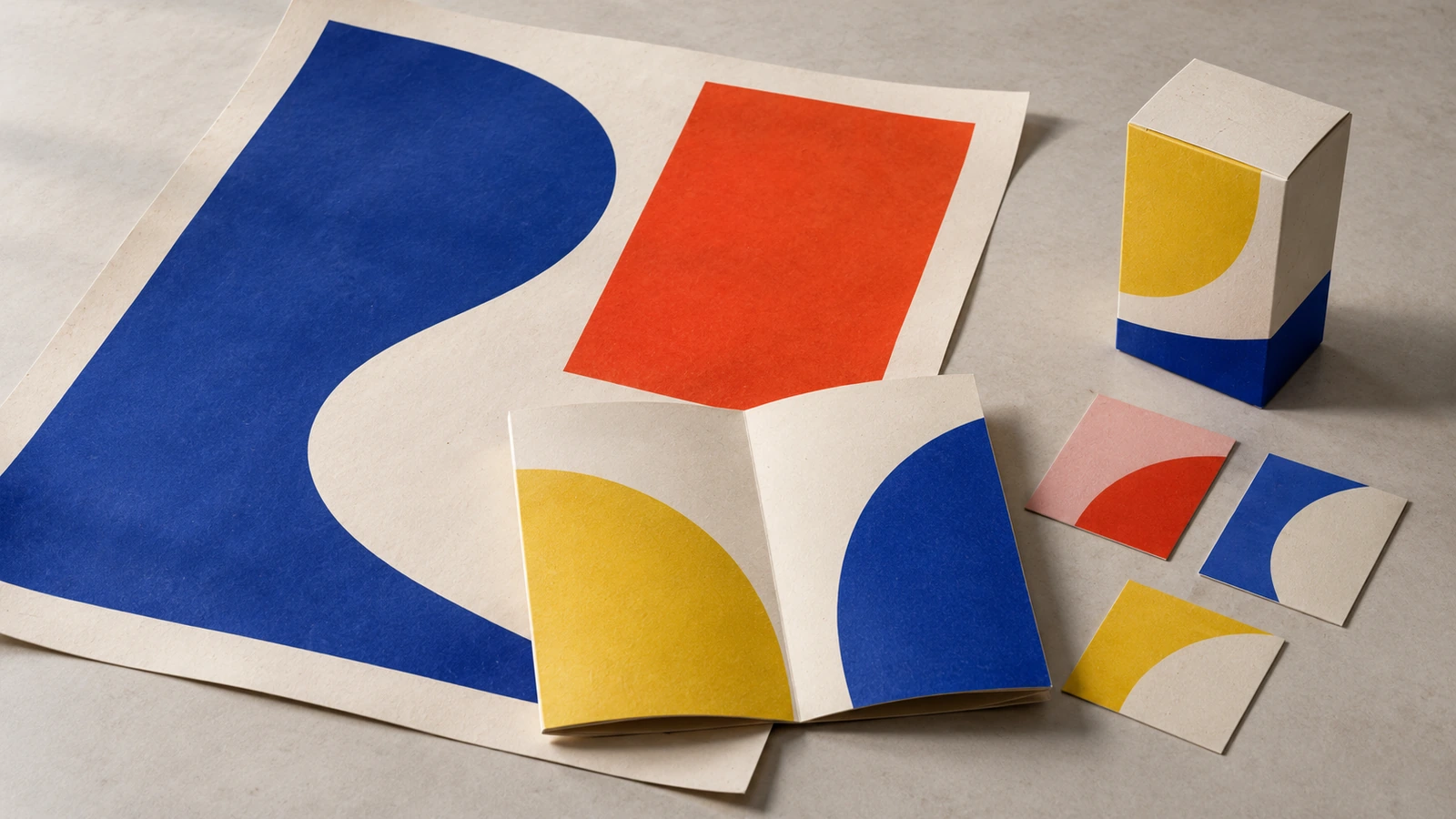
Diagnose brochure fold cracking and ink splitting by verifying paper grain direction, comparing rotary scoring vs channel creasing, and sizing matrix width.
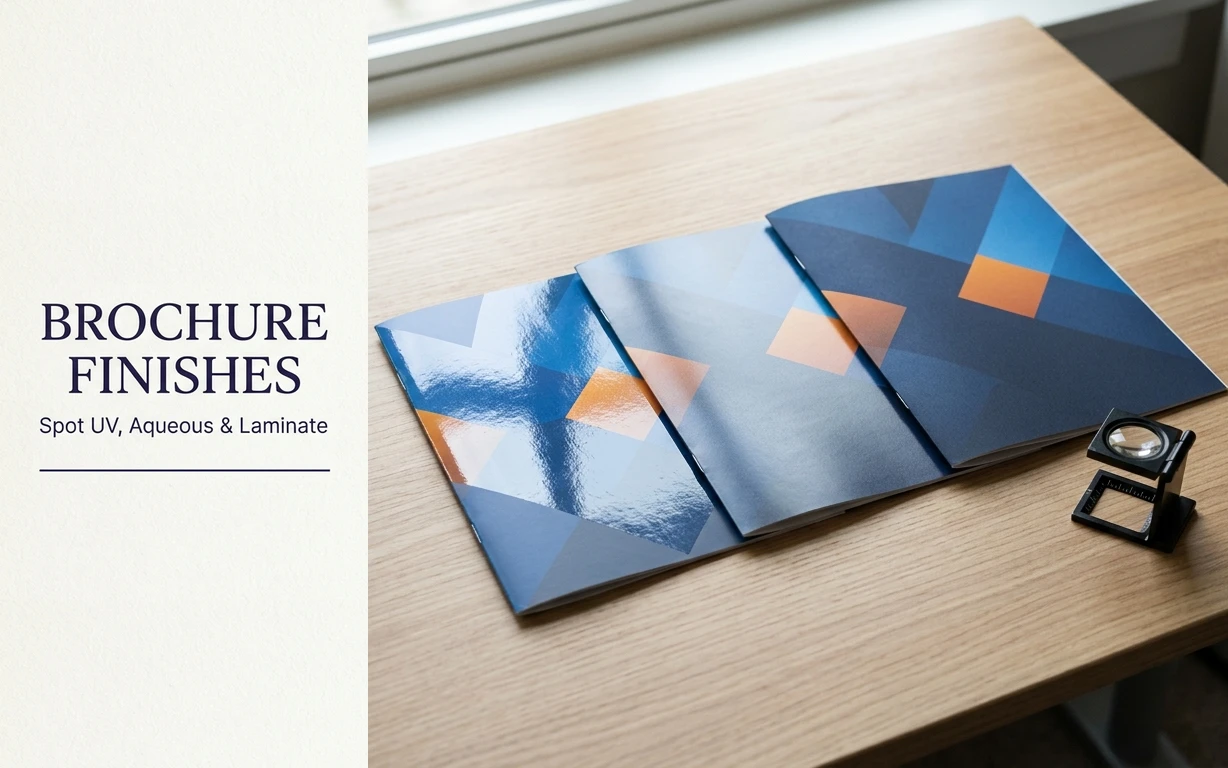
Compare spot UV, aqueous coating, and thermal film laminate for brochures across curing mechanics, scuff resistance, fold-line cracking, writability, glue knockouts, and prepress overprint setup.
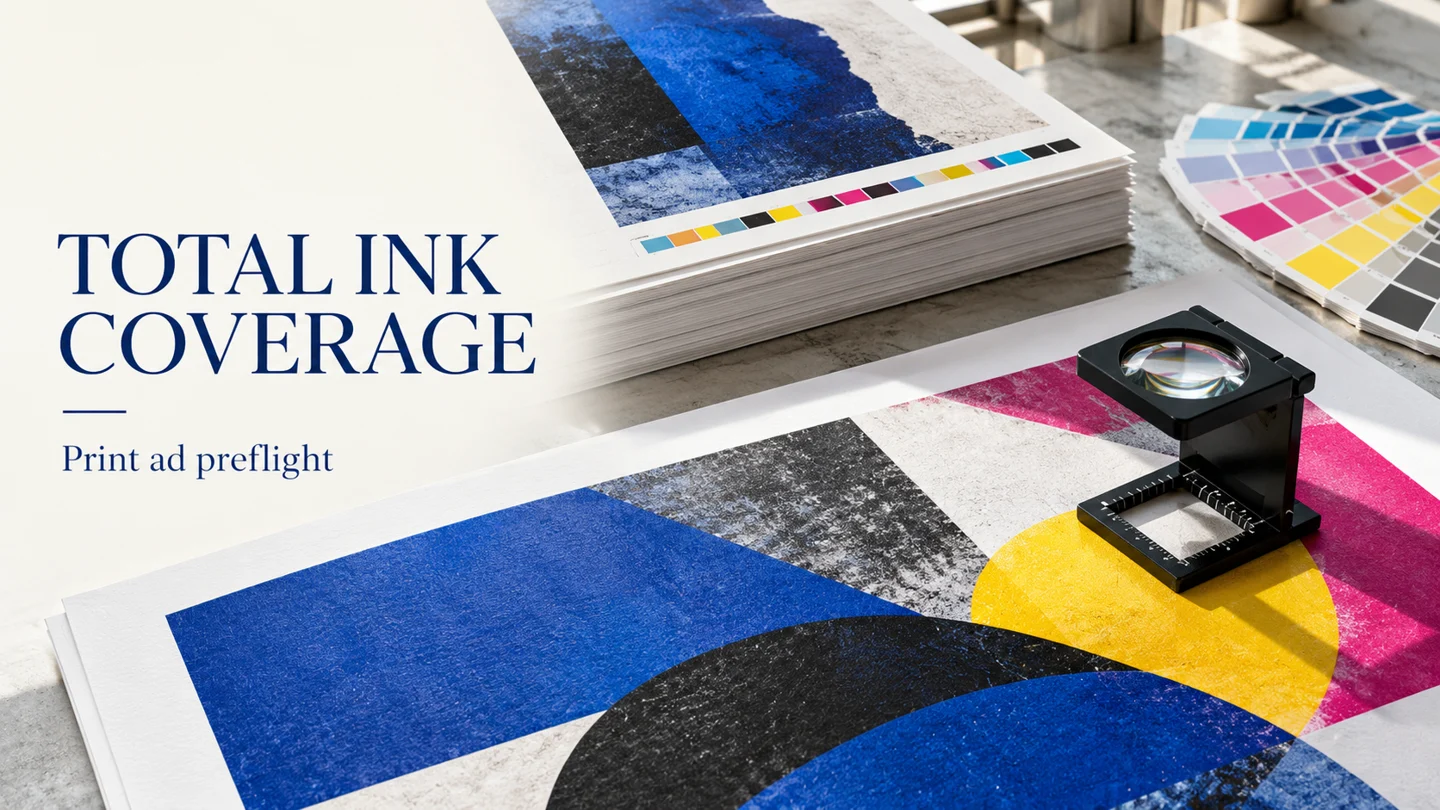
Compare named ink-coverage limits for print ads, follow the final-PDF preflight steps, and use the profile and handoff checklist.
Print advertising, brochures and printed collateral: layout, colour and paper choices.
Explore Print Design →Logos and brand visuals, and how they carry across print and packaging.
Explore Brand Graphics →Label and packaging graphics: artwork, print methods and common pitfalls.
Explore Labels and Packaging →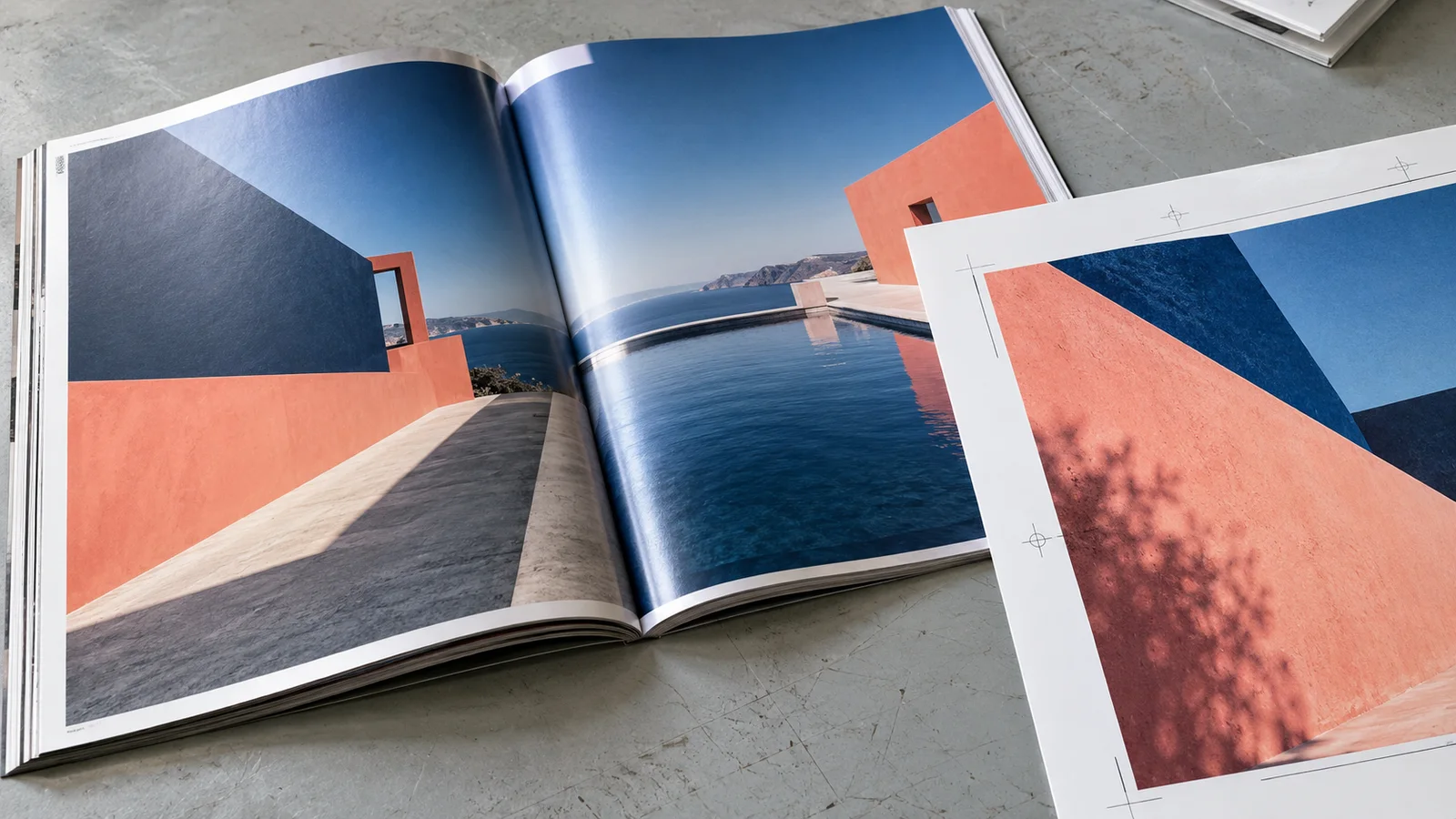
Set magazine and newspaper ad dimensions with publisher-specific bleed, trim, live-area and gutter examples, plus a practical print-file checklist.

Engineer print-ready brochure design ideas with exact tri-fold vs Z-fold panel widths, roll and gate fold allowances, paper weight GSM conversions, and creasing math.

Build press-ready packaging design for food with spot dieline layers, FDA 21 CFR 101 PDP and Information Panel type sizes, CMYK vs RGB printing checks, and GS1 barcodes.
Measure a print ad by the letter height and live area on that unit’s own sheet, before calling the layout the best.

Choose the printer's trim or full-bleed rectangle, calculate its pixel dimensions, and download a blank MOO full canvas at the requested image resolution.
Set your business card's finished size, add the bleed from the printer's template, and check the safe area before exporting the print file.